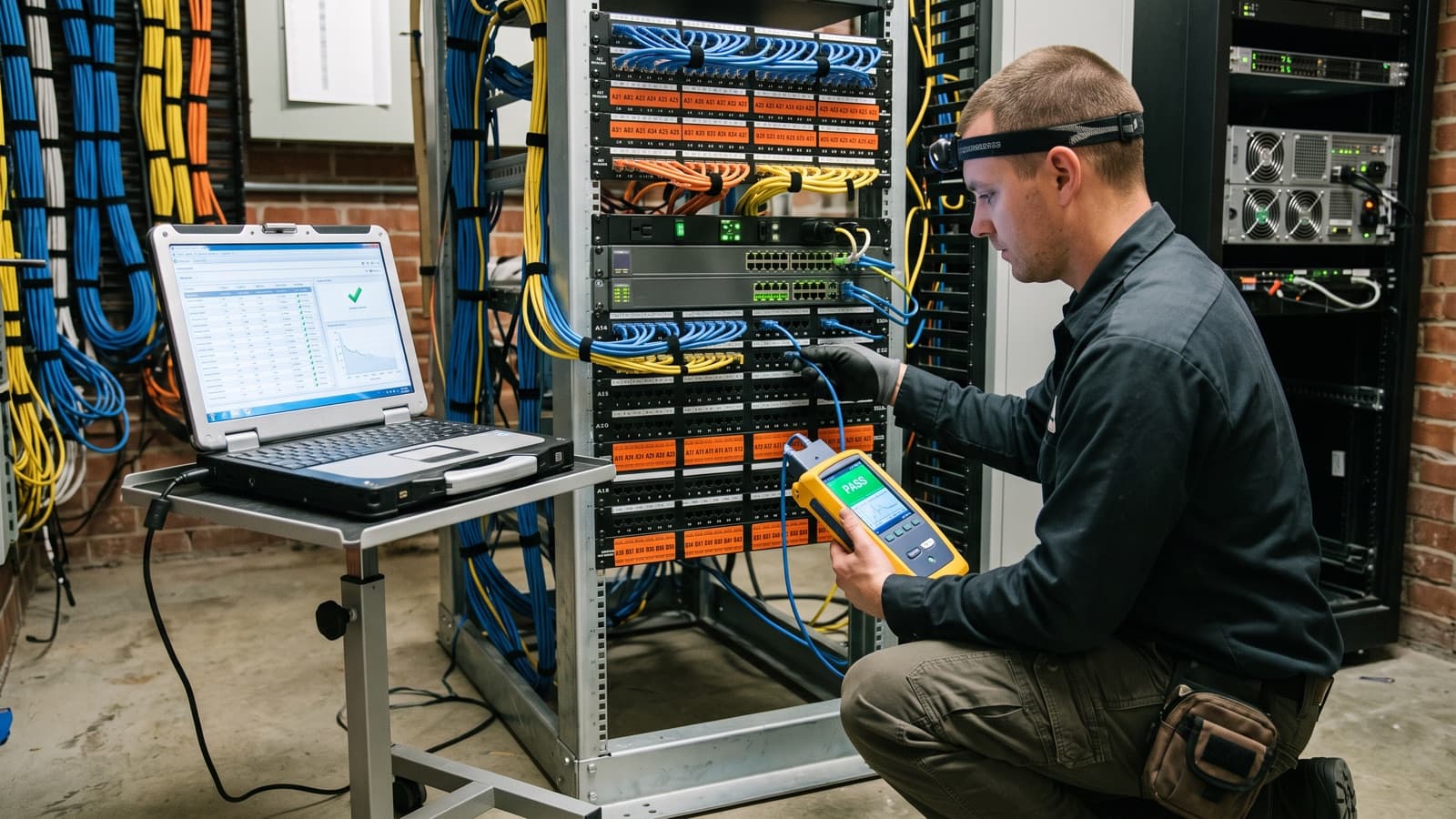
When a cabling job ends, the cable is hidden in ceilings and walls. You cannot see whether it works. The test report is the only proof you get, so it is the main deliverable of the job. A report that says "all tested, all passed" proves nothing. A report with the right limit, one result per labeled link and the retests of any failures proves a lot.
This checklist covers what a copper or fiber test report should show, what to write into the scope so you receive it, and how to review it in ten minutes. It applies to a new install or to cabling installed by another contractor. The exact fields depend on your standard and your manufacturer's warranty program, so agree them before work starts.
What is a cable test report and why does it matter?
A cable test report is the recorded output of a field tester for each installed link, showing what was measured, which limit it was compared with and whether it passed.
It matters because it turns "the cable is installed" into evidence. You use it to accept the work and release payment. You use it to support a manufacturer warranty application. Later you use it as a baseline when a link misbehaves and you need to know whether the cable was ever good. Our visit report article covers the same idea for field visits in general.
What is the difference between cable verification, qualification and certification?
Verification checks that a link is connected correctly, qualification checks whether it can run a given application, and certification checks it against the limits of a cabling standard.
Fluke Networks describes qualification as finding out whether installed cabling can support a speed or application, such as 1000BASE-T, and notes that it does not officially confirm compliance with a standard. It describes certification as determining whether a link meets a specific cable category or class, with a Pass or Fail result. A simple continuity tester sits below both and only shows that wires are connected.
When someone asks how to certify Cat6 cable, the answer is a certification tester set to the right Category limit for the link, not a handheld continuity tool. Our glossary entry on cabling certification testing gives the short definitions. If a quote or report says "tested", ask which of the three it means.
What should a copper certification report show?
A copper report should show the standard and limit used, the cable category, one result per link and the tester details, so a reviewer can check that the right test was run.
A certifier measures parameters such as wire map, length, insertion loss, return loss and near-end crosstalk. You do not need to read every number. You need to see that each link has a stored result with an overall Pass or Fail.
- The standard and test limit, for example a TIA Category 6A permanent link limit, named in each result file.
- The link type: permanent link or channel.
- The cable category installed, so the limit and the cable match.
- A link ID that matches the label on the panel port and the outlet.
- Overall Pass or Fail, plus the measured values for wire map, length, insertion loss, return loss and crosstalk.
- Tester make, model, firmware version and calibration date, plus the tester accuracy level the limit requires.
- Date and time of each test, and the name of the technician.
- Any failed links, the repair made and the retest result.
What should a fiber test report show?
A fiber report should show the fiber type, the loss limit used, the measured loss, length and polarity per link, and optional OTDR traces if the scope asks for them.
Fluke Networks says insertion loss, length and polarity are what Tier 1 certification needs, with reflectance also mattering for short-reach single-mode links. It says Tier 2 or extended testing adds an OTDR. Insertion loss is the key figure, because it shows whether the link supports the application you plan to run.
People often ask which certificate to request for a fiber install. In practice you ask for the test report set, and you ask the installer to name the standard and edition the scope relies on. We do not restate standards text here, so read the edition your contract names.
- Fiber type for each link, for example OM4 multimode or OS2 single-mode.
- Test wavelengths and the loss limit or loss budget used, with the application it was based on.
- Measured insertion loss, length and polarity per link, with a Pass or Fail.
- How the test reference was set, and the test cords used.
- Tester make, model and calibration status for the loss test set.
- Connector end-face inspection records, if the scope requires them.
- OTDR traces for each link, if the scope calls for Tier 2.
What should I put in the scope so I get the right report?
Write the report into the scope as a deliverable, because installers produce what the contract names and little else.
Settle these points before the first cable is pulled. Cost per drop depends on how much testing and documentation the scope includes, and our cost per drop article explains why.
- Standard, edition and category (or ISO class) to test against.
- Permanent link or channel. Fluke Networks calls the permanent link the best way to confirm performance at install time, since patch cords change later.
- One hundred percent of links tested, not a sample.
- Native tester files plus a PDF, named by link ID.
- A labeling scheme agreed before install, and as-built drawings with a cable schedule that maps to the results.
- Fiber tier: Tier 1 loss testing only, or Tier 2 with OTDR traces.
- What happens to failures: who repairs, who retests and whether the first failure stays in the record.
- Manufacturer warranty registration, if a warranty program applies, and the test evidence it requires.
How can I review a cable test report in ten minutes?
Review the report in a fixed order, from the limit down to the retests, because errors in the early items make the later ones meaningless.
- Check the limit. Does each file name the standard, category and link type in your scope?
- Count the links. Does the number of results match the cable schedule or the drop count in the contract?
- Match the labels. Pick five link IDs and trace them on site from the panel port to the outlet.
- Look for marginal results. Ask the installer to explain any result with an asterisk, a warning or a marginal flag. Do not accept unexplained ones.
- Check dates and tester details. Are the dates plausible and does the calibration date cover them?
- Find the retests. Are failed links listed with the repair and the passing retest?
- Open one native file. Confirm the data in the PDF matches it.
What problems show up in cable test reports?
The common problems are the wrong limit, missing links, labels that do not match and failures that disappear from the record.
A test run to a looser category limit than the cable installed can show Pass for a link that would fail the correct limit. Fluke Networks also warns that a channel test can pass with good patch cords even when the permanent link has failed. A PDF with no native files cannot be re-opened or re-checked. Result names such as "Test 47" cannot be traced to a port. Pass results with no tester details leave you unable to judge them. Fix these points while the installer is still on site.
Cabling administration records should follow the labeling scheme you agreed. The TIA-606-C administration standard covers telecommunications infrastructure administration for buildings and campuses. If your contract names it, ask the installer which parts they follow.
How does Deploris handle cable test reports?
Deploris treats the test report as a deliverable written into the scope before work starts, not as something added at the end.
We agree the standard, link type, fiber tier and file formats with you first. After installation we test the links as scoped and hand over native files and a PDF. We name each file by link ID, and the results map to the as-built cable schedule. Failures stay visible with their repairs and retests. Pricing is quoted against the written scope after a survey.
Our cabling certification service and the cable test results deliverable describe what is included. We can also test cabling that another contractor installed.
Key takeaways
- The test report is the proof of work for cabling you cannot see, so write it into the scope as a deliverable.
- Certification measures links against a named standard limit. Verification and qualification do less, so ask which one a quote means.
- Ask for native tester files plus a PDF, with link IDs that match the labels and the limit named in every result.
- Review in order: limit, link count, labels, marginal results, dates and tester details, then retests.
Sources and further reading
- Fluke Networks, Certification vs. qualification: a closer look (opens in a new tab)
- Fluke Networks, Fiber certification testing: all you really need is loss, length and sometimes more (opens in a new tab)
- Fluke Networks, Channel, permanent link and patch cords (opens in a new tab)
- Fluke Networks, ANSI/TIA-1152 twisted-pair field testing standard (opens in a new tab)
- TIA, ANSI/TIA-606-C administration standard announcement (opens in a new tab)