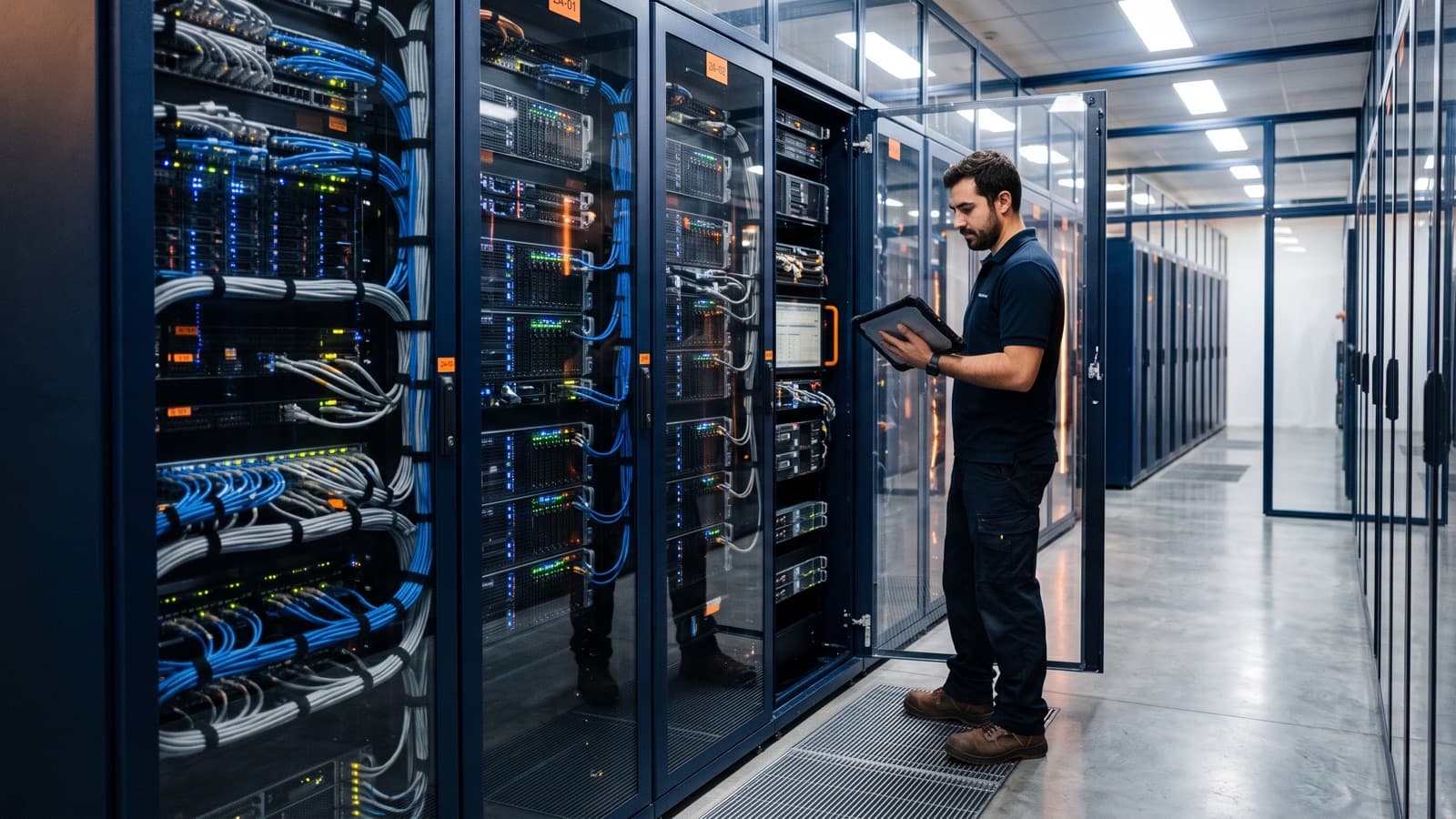
Most data center problems show up as small signs first: a warning light nobody logged, a gap in a row of racks, a cable pulled tight, a breaker running near its limit. A good maintenance visit finds those signs, records them and hands them to the person who can act.
This checklist is organized by area, so you can walk the room in order. It also separates what a field technician checks and records from what the facility operator or your own engineers own. For the preparation side of a visit, such as access, tickets and parts, use the free data center visit checklist.
What should a data center maintenance checklist cover?
A data center maintenance checklist should cover seven areas: environment, power, visible cooling, racks and cabling, hardware health, security and access, and documentation. Each area has checks a technician can do on site and decisions that belong to someone else.
The rule for the visit is simple. The technician inspects, measures what the instruments show, takes photos and writes it down. The technician does not change configurations, firmware, breaker settings or cooling set points without a ticket from the owner.
| Area | Technician checks and records | Owner decides |
|---|---|---|
| Environment | Cleanliness, readings as displayed, signs of leaks | Set points, repairs, cleaning contracts |
| Power | PDU readings, UPS status, alarms, labels | Load limits, circuit changes, UPS service |
| Cooling | Alarms, gaps, blanking panels, visible filters | Cooling changes and plant service |
| Racks and cabling | Cable condition, labels, unused ports | Moves, removals, re-cabling approvals |
| Hardware | Fault lights, failed parts, spares stock | Replacements, firmware, configurations |
| Security | Locks, access log review, visitor rules | Access policy and permissions |
| Documentation | Asset reconciliation, photos, report | Record changes and approvals |
What should you inspect in the physical space and environment?
Inspect cleanliness, floor and containment condition, recorded temperature and humidity, and any sign of water. The aim is to catch conditions that harm equipment before an alarm does.
Record temperature and humidity as the instruments show them, by rack or zone, with the time. Do not estimate by feel. The acceptable range is the one your facility operator or equipment vendor specifies, so the report states the reading and the target side by side.
- Dust, debris, packaging and loose items in the room, especially cardboard and stored spares.
- Raised floor tiles seated, with no missing or damaged tiles and no unsealed cable openings.
- Containment doors, curtains and panels closed and undamaged.
- Temperature and humidity readings by rack or zone, written down with the time and the source of each reading.
- Water or leak signs: stains, damp tiles, drips near cooling units, pipes or the ceiling, and leak sensor status where fitted.
- Clear aisles and exits, and nothing blocking access to racks or panels.
How do you check power, PDUs and UPS status on a visit?
Check power by reading each PDU, comparing circuit load with capacity, noting UPS status and alarms, and confirming labels match the feeds. A technician reports the numbers. The owner decides whether a load is acceptable.
The most useful power finding is a circuit running close to its limit, or a dual-fed rack where one feed carries far more than the other. Both are cheap to find on a visit and expensive to find during a failure.
- PDU readings per rack, noted per feed, against the rated capacity shown on the PDU or in the owner's records.
- Breaker and circuit labels that match the rack, PDU and feed they serve.
- UPS status screen, battery or runtime indicators and any active or logged alarm, photographed as displayed.
- Power cords seated, strain-free and routed so they do not block airflow or other cables.
- Dual-fed devices plugged into both feeds as the design intends.
- Any warm connector, discolored plug, smell or audible fault noted and reported at once.
Which cooling checks can a technician do without touching the plant?
A technician can check cooling alarms, airflow gaps, blanking panels and visible filters, and report them. Plant service and set point changes stay with the facility operator.
Airflow gaps are the easiest cooling problem to see. ENERGY STAR guidance says blanking panels cover unused rack space so cold air passes through the equipment instead of around it, and that gaps in the floor and around cable openings can be spotted by visual inspection. A walk with that in mind finds most of them.
- Cooling unit alarms and status lights, photographed as displayed.
- Blanking panels fitted in every empty rack position, including inside the rack.
- Gaps under, between and above cabinets, and at open aisle ends in hot or cold aisle containment.
- Perforated tiles only where the layout intends them, with no temporary maintenance tile left in place.
- Visible filters, where equipment has them, noted as clean or loaded.
- Hot spots, such as a device exhausting into another device's intake.
What do you check on racks and cabling?
On racks and cabling, check that cables are managed, labeled, free of strain and documented, and that unused ports are known. Poor cable management is a maintenance risk because it makes every later change slower and riskier.
Labels matter most. TIA's ANSI/TIA-606-C standard specifies administration systems for telecommunications infrastructure, including data center sites. You do not need the whole standard to benefit from the idea: one identifier scheme, applied the same way on the cable, the panel and the records.
- Cables dressed in managers, with bend radius respected and no cable under tension.
- Both ends of every cable labeled, and labels readable and matching the port map.
- Patch panel documentation matches what is patched, with differences noted, not fixed silently.
- Unused ports and unused patched cables listed, so the owner can decide what to remove.
- Fiber ends capped, and fiber routed so it is not crushed by doors or other cables.
- Rack doors, rails and shelves secure, with no loose equipment.
Which hardware health checks belong on the list?
Hardware health checks cover fault lights, failed drives and power supplies, spare parts stock and who owns firmware windows. The technician finds and reports faults. The customer decides what is replaced and when firmware changes.
Fault indicators are only useful if someone looks and writes them down. Record the rack, the U position and the light state, with a photo. If the customer has authorized a swap in a ticket, the technician can replace a failed part from stock and record serial numbers. Otherwise the finding goes in the report.
- Amber or red lights on servers, storage, switches and power supplies, by rack and U position.
- Failed or degraded drives and power supplies, with serial numbers where visible.
- Spare parts on site counted against the agreed list, such as drives, power supplies, optics and patch cords.
- Firmware and patching windows confirmed as owned by the customer, with any open item noted.
- Out-of-band access (BMC or console) reachable, if the ticket includes the test.
What security, access and documentation checks close the visit?
Close the visit by checking security and access, reconciling the asset register and writing the visit report. These checks keep the room trustworthy and the records honest.
A photo of each rack before and after the visit, plus a count of what is in it, turns the report from an opinion into evidence. Our guide to what a visit report should contain lists the fields to include.
- Rack and cage locks working, keys and badges accounted for.
- Access log reviewed against the visitor list, with unexplained entries reported to the owner.
- Visitor, escort and tailgating rules followed during the visit and noted if they were not.
- Asset register reconciled with what is in the racks: missing, extra and moved items listed.
- Photos of racks front and rear, with date and rack ID.
- Change records checked: anything done on the visit has a ticket and a matching entry.
- Visit report written with findings, severity, photos and open items.
How often should you run a data center maintenance checklist?
The customer sets how often to run each check, based on risk and contract. The pattern below is typical practice, not a requirement, and your facility operator or vendor may specify something different.
A visit report closes the loop. Each finding gets an owner, a ticket and a due date, and the next visit starts by checking that those items are closed. Without that step, a checklist produces the same list of problems every time.
| Frequency | Typical checks |
|---|---|
| Daily or per shift | Alarms, status screens, temperature readings, security rounds |
| Weekly | Fault lights, leak signs, cleanliness, spares count |
| Monthly | PDU and circuit load review, access log review, cable and label spot checks |
| Quarterly | Full walk by area, asset reconciliation, photo set, documentation review |
Key takeaways
- Walk the room by area: environment, power, cooling, racks and cabling, hardware, security and documentation.
- A technician inspects, measures, photographs and reports. Configuration and plant changes need a ticket from the owner.
- Record readings as shown and compare them to the range your facility operator or vendor specifies.
- The customer sets frequency, and a visit report with owners and due dates closes the loop.