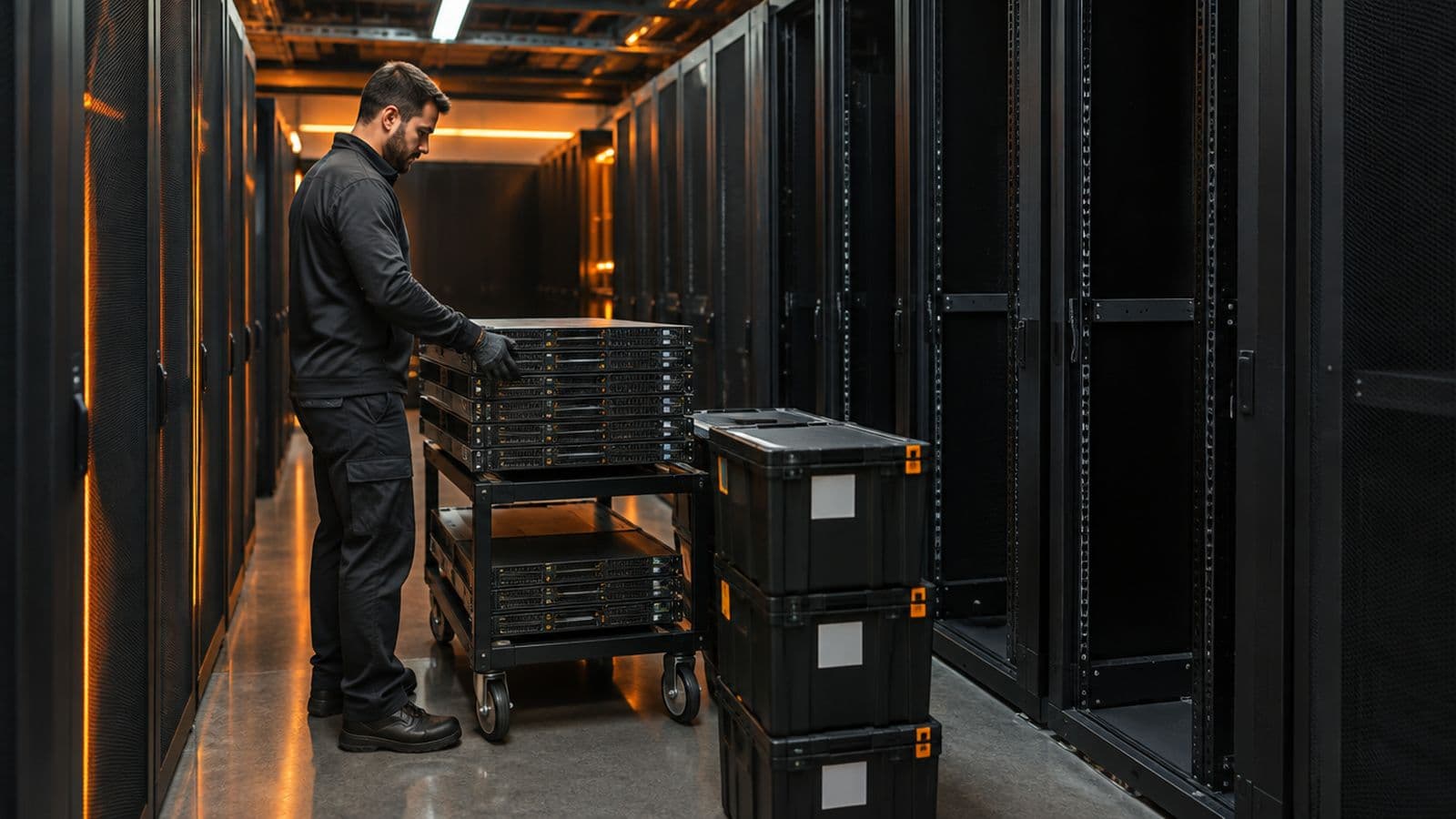
Most data center moves are not hard because of the truck. They are hard because of what nobody wrote down: which application depends on which address, which cable goes to which port, and who decides to stop. The checklist below targets the items teams most often miss.
Use it with the free data center visit checklist, which covers what to prepare for any single visit. A move is a series of visits with a deadline, so the same discipline applies at a larger scale.
What do teams forget when planning a data center move?
Teams most often forget dependencies, ownership and rollback. The physical move is the easy part to plan; the hidden links and the decision rules are not.
- Dependencies: which applications, IP addresses, DNS records, certificates, licenses and firewall rules are tied to the hardware or its location.
- Owners: a named person for each service who can accept risk and sign off that it works after the move.
- Rollback: the point of no return, the trigger to go back, and a rehearsed way to do it.
- Change window: when each rack moves, and what is down while it does.
- Support records: warranty and support contracts that list the old address.
- Lead times: circuits, cross-connects and carrier work at the new site can take longer than the move itself.
What should you document before you unplug anything?
Before anything is unplugged, document the current state of every rack and every cable. Whatever is not recorded now has to be rebuilt from memory later.
Labeling is the part teams skip. TIA's administration standard, ANSI/TIA-606, specifies administration systems for telecommunications infrastructure within and between buildings. You do not need to adopt the whole standard to benefit from its idea: every space, cabinet, panel, port and cable gets a unique identifier, and records match the labels. Agree one scheme and use it at both ends of the move. For example, a label such as R12-SW1-P24 can mean rack 12, switch 1, port 24. The exact format matters less than using it the same way on the cable, the port map and the asset list.
- Rack elevations showing each device and its U position.
- A port map for every cable, with both ends and the label text.
- Photos of the front and rear of every rack, taken before any cable is touched.
- An asset list with serial numbers and asset tags.
- Power details: which feed and circuit each rack uses, and the load per rack.
- Out-of-band access: BMC addresses and console details, tested from outside the room.
- Recent configuration backups for network and storage devices.
What should you check at the new site before equipment arrives?
Check power, cooling, space, cabling and access at the new site before anything ships. A rack that arrives to a missing circuit sits in a corridor on the clock.
- Power: both feeds live, the right receptacle types, and enough capacity for the load of each rack.
- Cooling and airflow: the cabinet position, and containment rules that match your hardware.
- Cabinets: rail type, depth and weight rating for your equipment.
- Cabling: pathways, patch panels and the cabling you need are in place and, for new runs, tested.
- Circuits and cross-connects: ordered, delivered and verified, not just ordered.
- Access: visitor lists, ID rules, escorts, delivery windows, loading dock, lift size and staging space.
- Rules for unpacking: some facilities restrict packaging in the equipment room.
How do you pack, ship and track equipment?
Pack and ship equipment so that every item is traceable from the old rack to the new one. The goal is that nothing is lost, mixed up or rebuilt in the wrong position.
- Power down in the planned order and record the time.
- Scan asset tags out of the old site and in at the new one, and compare totals.
- Label each box with its destination rack and U position.
- Decide in writing whether drives travel in the servers or separately, and who is responsible for them.
- Bag and label rails, cables and small parts with the same rack and U position.
- Photograph the equipment before packing and on arrival, for any later damage claim.
- Keep spares for common failures: drives, power supplies, optics and patch cords.
What do teams forget on move day?
On move day, teams most often forget the small supplies, the access arrangements and a clear decision-maker. The work is fast, so every gap is costly.
- Tools, anti-static gear, spare patch cords, optics, power cords and cable ties.
- A label printer and spare label stock, so every new cable can be labeled.
- Badges, escorts and delivery slots, confirmed the day before.
- A named lead on a phone bridge with authority to stop or roll back.
- A printed copy of the rack elevations and port maps, in case the network is down.
- Rest and shift handover, so the person who racks at hour twelve is not the first one.
What should you test after power on?
After power on, test power, network, cabling, systems and documentation in that order, and confirm each against the plan. Do not close the work until every service owner has signed off.
Test tasks are normal requests. Equinix lists Loopback Test and Cable Connectivity Check among its Smart Hands service types, so many operators can run them for you on request. Deploris engineers record test results and photos in a closeout report with asset records.
| Area | What to confirm |
|---|---|
| Power | Both feeds energized, load balanced between feeds, no overload alarms |
| Network | Links up at the expected speed, expected light levels on fiber, error counters stable |
| Cabling | Test results saved for new runs, and labels match the port map |
| Systems | Boot, monitoring, backups, DNS and certificates all working |
| Out-of-band | Console and BMC access reachable from outside the room |
| Records | As-built racks match the plan, and the asset list is updated |
What happens to the old site after the move?
The old site needs its own closeout: sanitize or destroy storage media, update records, return access items and walk the room. Teams treat the move as finished when the new site is live, and the old site is left to chance.
For storage media, follow a written sanitization process. NIST published SP 800-88 Rev. 2 in September 2025, which supersedes Rev. 1, to help organizations choose sanitization and disposal techniques based on how sensitive the information is. Record the method and the serial number of each device.
- Sanitize or destroy drives and other media, with a record by serial number.
- Remove and account for badges, keys and cage hardware.
- Photograph the empty cabinets and room as left.
- Update asset, support and billing records.
- End or change contracts only after the new site is accepted.
Key takeaways
- Map dependencies, name an owner for each service and agree a rollback before the move date is set.
- Document and photograph every rack, and use one labeling scheme at both ends.
- Check power, cooling, cabling, circuits and access at the new site before anything ships.
- Test after power on, and close out the old site, including media sanitization, with records.